Quest 3 Calibrate Height: A Practical Step-by-Step Guide
Learn how to calibrate Quest 3 height for accurate Guardian boundaries and comfortable play. This Calibrate Point guide covers floor height, standing height, and practical testing to optimize room-scale VR.


Understanding Quest 3 height calibration
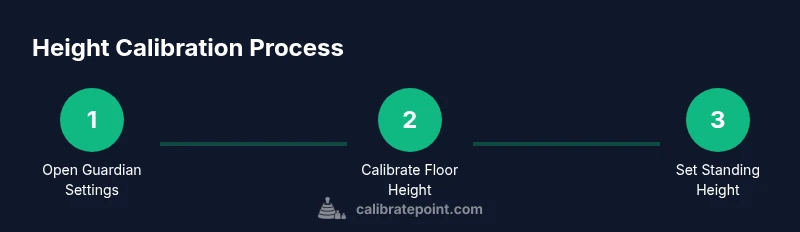
Height calibration for the Quest 3 is not just a number you enter once and forget. It aligns the virtual play space with your real-world environment so you don’t collide with walls or furniture during fast-paced VR moments. According to Calibrate Point, accurate height calibration improves guardian reliability, increases immersion, and reduces fatigue by keeping virtual elements in sync with your posture and space. In practical terms, you set a baseline height, align the floor with your room, and verify that your in-game perspective matches your real standing position. This helps both casual players and professionals who rely on precise tracking for training simulations.
Understanding the concept of height calibration is the first step toward a safer, more comfortable Quest 3 experience.
descriptionShortened”:null},
blockType