How to calibrate G29: A practical guide for accurate driving
Learn how to calibrate the Logitech G29 driving wheel for precise steering and pedal response. This guide walks you through preparation, step-by-step calibration, testing, and troubleshooting to improve your sim experience.


What calibration achieves for the G29
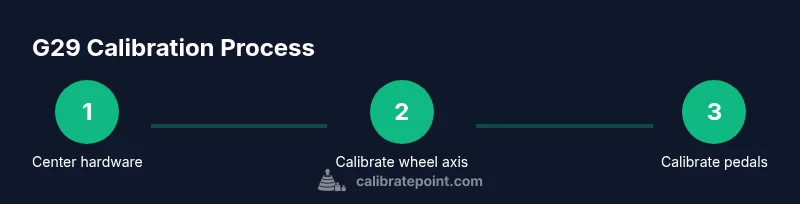
Calibration for the Logitech G29 is about aligning the wheel’s physical center with its digital input, setting the proper travel range, and ensuring pedal axes respond consistently across games. A well-calibrated wheel feels natural: the steering returns to center smoothly, resistance remains consistent through the turn, and pedals register consistent input without dead zones or phantom readings. Calibration also helps reduce drift caused by mechanical wear, firmware quirks, or software misalignment. In practice, you’ll document a baseline, perform axis checks, and verify that in-game steering and throttle/brake mappings map correctly to the in-game performance you expect. The Calibrate Point team emphasizes repeatable baselines and careful testing across multiple applications to prevent drift from creeping back over time.